
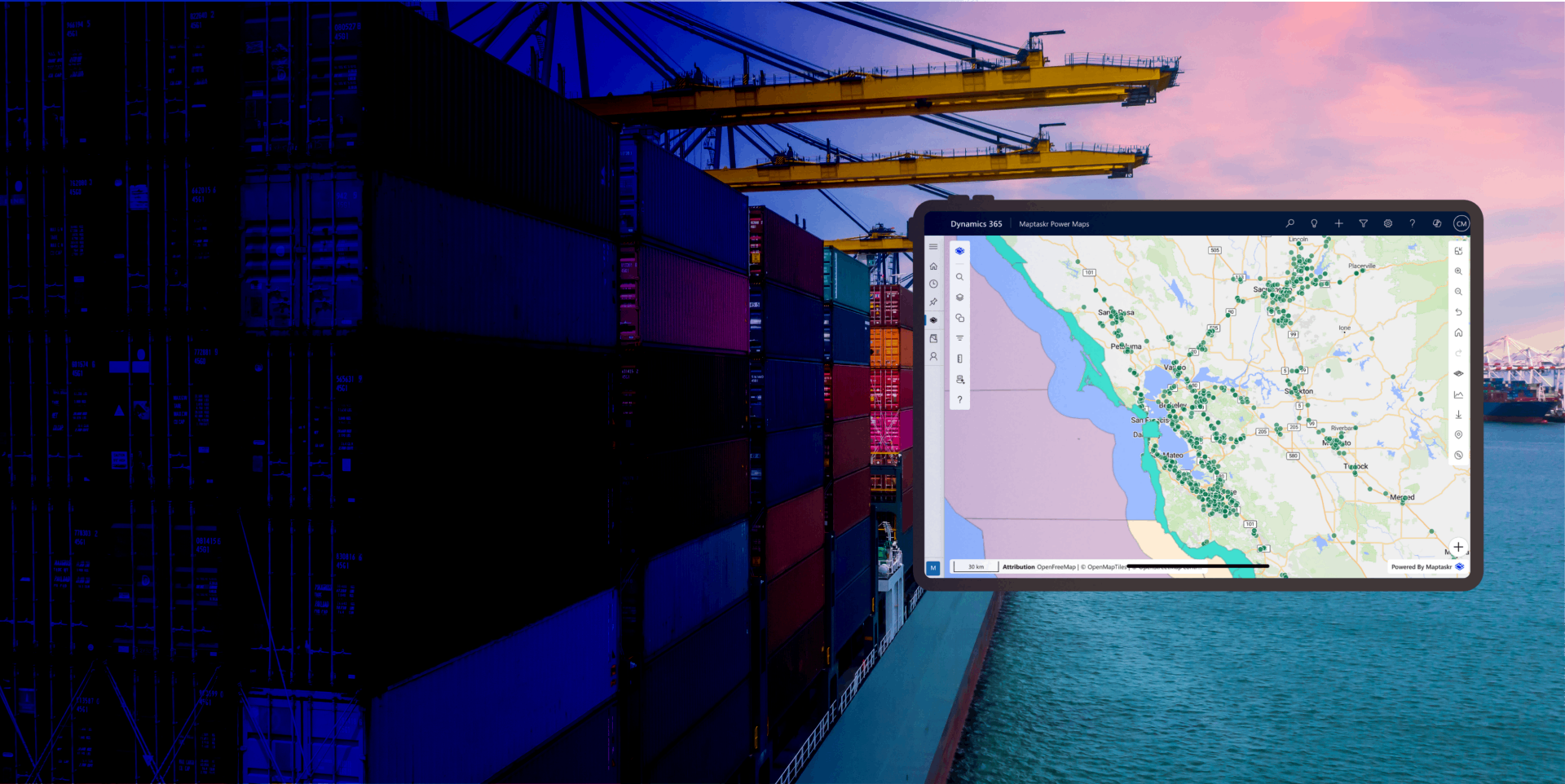
Curated Map Views
Curate, save, and share the exact map experience your teams need so every user can return to the right context in a single click.
Map Views gives users a simple way to shape the map around how they work. Instead of rebuilding the same setup every time they open the app, users can configure the map exactly how they want it - including visible layers, basemap, map filters, zoom level, bearing, current position, and title - and save that setup as a reusable view.
Whether creating a personal workspace for daily operations, preparing a focused map for a team, or sharing a live operational picture across the organisation, Maptaskr Power Maps makes it easy to move from one-off map configuration to repeatable, dependable experiences.
By turning map state into a reusable asset, organisations can reduce setup time, improve consistency, and make it easier for every user to start from the right geographic and business context.
Curate the Map Around the Way You Work
Users can tailor the map to their preferred configuration by choosing the right basemap, turning layers on or off, applying map filters, setting zoom and bearing, focusing on their current position, and giving the view a clear title.
This allows each user or team to shape the map around a specific job, region, workflow, or operational priority. Instead of adapting to a generic default layout, the map adapts to the way the business actually works.
Save Curated Views for Instant Access at Any Time
Once the map is configured, users can save that exact view so it can be reopened whenever needed. The saved view preserves the important context of the map, removing the need to rebuild the same setup each time work starts or resumes.
This makes repeat tasks faster and more reliable, especially for users who regularly work with the same geography, datasets, and filters. What once took multiple clicks and adjustments becomes a single action.
Start Every Day From the Right Default View
If a saved view represents how a user wants to begin the day, it can be set as the default starting view. Each time the map loads, the user is taken straight into the configuration that best supports their role and priorities.
This helps eliminate repetitive setup and creates a more focused starting point for daily work. Whether the goal is monitoring a territory, reviewing field activity, or managing a specific set of assets, the map opens in the right state from the start.
Share Map Views Instantly With Individuals or Across the Organisation
Saved views can be shared whenever needed, making it easy to distribute the same map context to other users. Views can be accessed using a share code for direct distribution, or published more broadly using global sharing rights so the right audience can find and use them at any time.
This makes collaboration much easier. Teams can align around a common operational picture, supervisors can prepare views for field users, and organisations can roll out standardised views without requiring every user to configure the map themselves.
Create As Many Views as the Business Needs
There is no need to limit the map to a single saved setup. Users can create as many views as required for different regions, teams, priorities, or scenarios, with each one storing its own combination of layers, basemap, current position, map filters, zoom, title, and bearing.
This gives organisations a flexible library of reusable map experiences that can support everything from personal productivity to standardised enterprise workflows. Each saved view becomes a quick way to switch context without losing precision.
-
From Setup to Saved in Seconds
Turn a carefully curated map into a reusable view that is always ready when you need it.
-
The Right Map Context, Every Time
Save layers, basemaps, filters, zoom, title, bearing, and current position as a single repeatable experience.
-
Built for Personal Use and Team Sharing
Keep views private, set them as your default, or share them broadly with codes and global access rights.

Want to see how easy it is to save, share, and standardise the perfect map view for every user and workflow?