
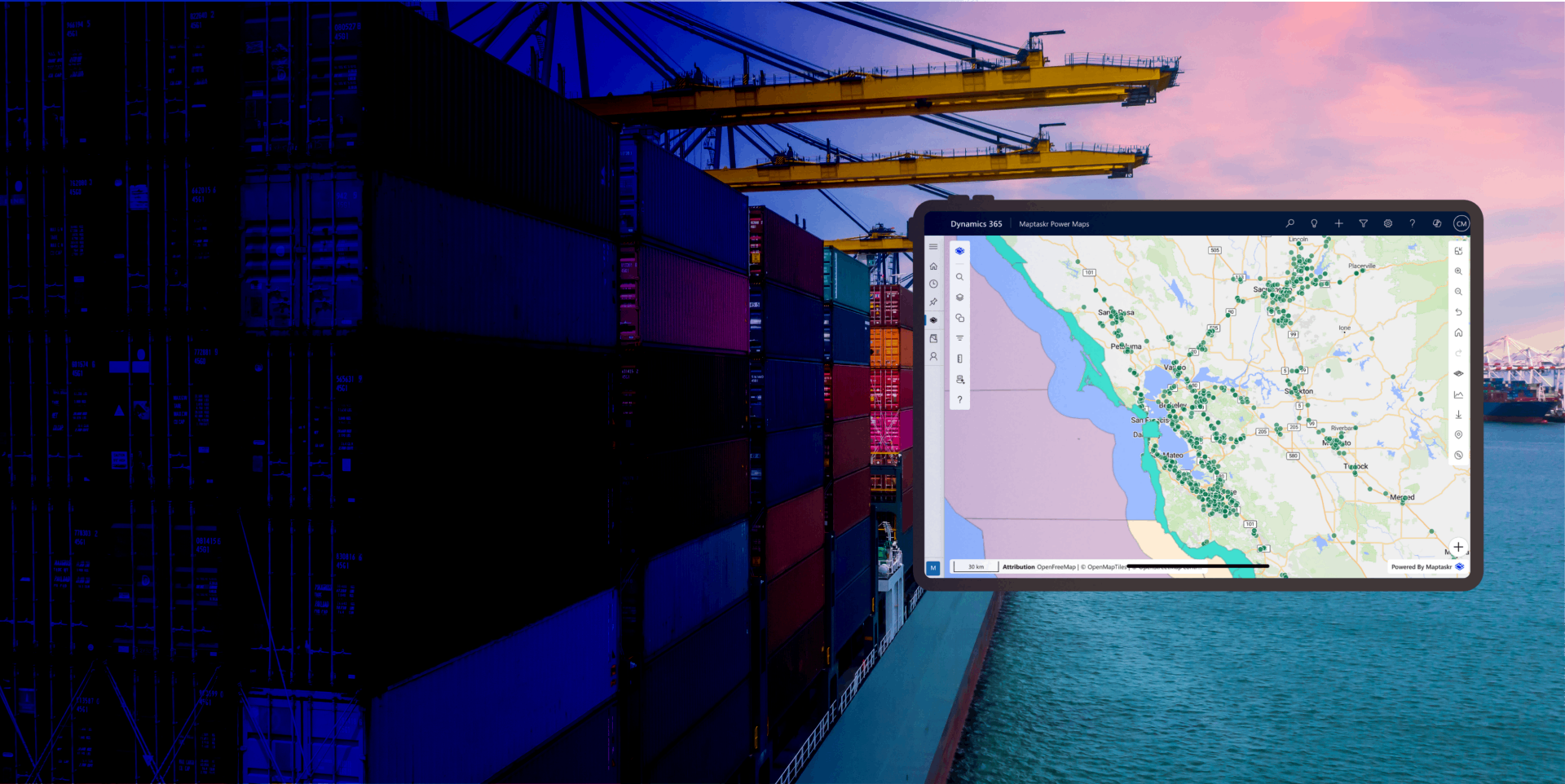
Federated Search
and Filtering
Find the Location, layer, or feature instantly and act on results in one click.
Federated Search and Filtering gives users a single, intelligent way to discover and refine spatial information across their entire map experience. Instead of jumping between separate tools for address lookup, region search, layer browsing, and feature filtering, users can enter natural queries and immediately work with unified results.
Within Maptaskr Power Maps, this capability brings together multiple search contexts into one workflow: addresses from selected providers, global regions, features from loaded layers, and layer metadata from the gallery. Users can quickly move from discovery to action by zooming, selecting, filtering, routing, or applying returned geometry directly to the map.
By centralizing search and reducing manual steps, teams can investigate faster, respond more confidently, and keep map interactions aligned with operational goals inside Dynamics 365, Power Apps, and Power Pages.
Search Regions Worldwide and Use Geometry to Visualize or Filter
Users can search for regions around the world, from countries and states to administrative areas and known local boundaries. Once found, the returned geometry can be visualized directly on the map or used as an active filter to narrow data.
This enables users to quickly establish geographic context, compare areas, and focus datasets to meaningful regions without manual drawing or complex configuration.
Address Search Using Your Preferred Provider
Users can search for addresses using configured provider options such as ArcGIS or Azure. This allows organisations to align geocoding behavior with their data strategy, regional requirements, or licensing preferences.
Search results are returned with location context and can be actioned immediately, so users can move from an address lookup to map interaction without switching tools or re-entering data.
Search Across Features in Any Loaded Layer
Federated search can query features from any layer currently loaded on the map, making it easy to find records regardless of which source layer they come from.
Rather than inspecting layers one by one, users get consolidated results in a single place, accelerating analysis across operational, reference, and business datasets.
Take Immediate Action on Any Search Result
Every result is actionable. Users can apply returned geometry as a filter, add it to an existing filter set, add items to a route, or instantly zoom and select the matching feature.
This action-first design turns search into workflow execution, helping teams move from question to outcome in fewer clicks.
Search Layer Names and Descriptions in the Layer Gallery
Users can search the layer gallery by both layer name and description, making it easier to discover relevant content even when exact naming is unknown.
This improves findability in large layer catalogs, reduces trial-and-error, and helps users activate the right datasets faster.
-
One Search Experience Across the Map
Addresses, regions, loaded features, and layer gallery metadata can all be discovered through a unified search workflow.
-
From Result to Action in a Single Step
Apply filters, build routes, zoom to records, and select features instantly from returned search results.
-
Built for Real-World Operational Speed
Reduce tool switching and manual setup so teams can investigate, decide, and respond faster.
