
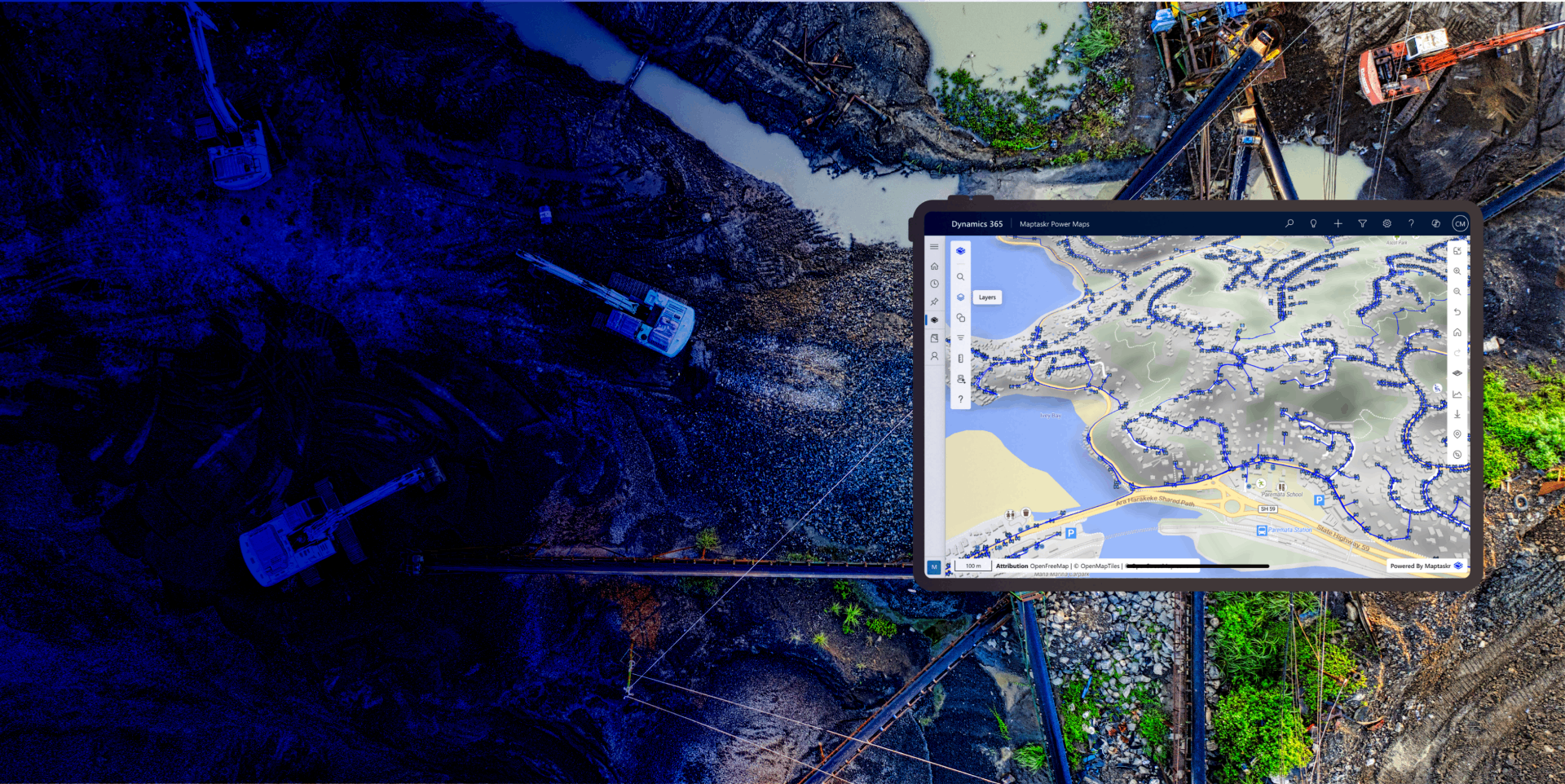
Map Profiles
Define, manage, and tailor every map experience from a single place — giving each user, role, or process exactly the map they need.
Map Profiles are the foundation of every Maptaskr Power Maps deployment. They give administrators and solution architects complete control over how the map looks, what it contains, and how it behaves—without requiring any code changes to the underlying application.
A profile acts as the blueprint for a map experience. It determines which layers are available, which tools users can access, what actions appear in context, and how the map is extended with custom logic. Because every aspect of the map is driven by configuration rather than hard-coded behaviour, organisations can serve entirely different audiences—field technicians, customer service agents, executives, or external stakeholders—all from the same underlying platform, each with a tailored and purpose-built experience.
Profiles are managed centrally within Dynamics 365 and Power Apps, making them easy to maintain, audit, and evolve as the business changes. With support for inheritance, dynamic targeting, and extensibility through custom code and Maptaskr extension functions, Map Profiles provide the building blocks for scalable, governed, and highly adaptable geospatial solutions.
Dynamically Target Profiles Based on Context
Rather than relying on static profile assignments, Maptaskr supports dynamic profile resolution—automatically determining which profile to apply based on the current user, record, environment, or business context at runtime.
Administrators can configure rules that evaluate properties such as the user's security role, the record being viewed, team membership, or custom field values, and map those conditions to the appropriate profile. This means a single map component can serve multiple audiences without requiring separate form configurations or hardcoded assignments for each use case.
Dynamic targeting reduces administrative overhead, keeps form configurations clean, and enables responsive map experiences that adapt as users, records, and contexts change—ensuring that every user always gets the right profile for their situation.
Eliminate Repetition with Profile Inheritance
Many map experiences share a common foundation—the same basemap, the same core layers, the same set of tools. Profile inheritance allows administrators to define that shared baseline once in a parent profile, then create child profiles that extend or override only what needs to differ.
A child profile automatically inherits all configuration from its parent and can selectively change specific settings—such as adding a role-specific layer, restricting certain actions, or enabling a feature not relevant to the base experience. Changes made to the parent profile cascade to all child profiles, ensuring that shared configuration stays consistent without the need to manually update every profile individually.
This dramatically reduces the maintenance burden as deployments scale, and ensures that common standards—such as approved basemaps, default zoom levels, or organisation-wide layers—are always applied uniformly.
Configure Layers, Actions, and Features for Every Context
Each profile gives administrators fine-grained control over what users see and can do within the map. Layers can be pre-loaded so they appear automatically when the map opens, or made available in the layer panel for users to enable on demand—giving administrators control over which datasets are surfaced for each audience.
Actions define what happens when a user interacts with a map feature—such as opening a record, triggering a flow, or navigating to a related form. These can be configured per profile to surface only the actions relevant to the user's role or task. Feature toggles allow individual map capabilities—such as drawing tools, measurement, search, filtering, or routing be enabled or disabled for each profile, ensuring that users are presented with only the tools appropriate to their workflow.
Together, these controls allow administrators to craft focused, role-appropriate map experiences that reduce noise, improve usability, and guide users towards the right actions.
Extend Every Map with Custom Code and Built-In Extension Functions
For scenarios that go beyond standard configuration, Map Profiles support direct enrichment through custom JavaScript, CSS, On form submission validation tied with Maptaskrs list of supported extension functions. Administrators and developers can attach code to a profile that runs within the context of the map—accessing map state, reacting to events, and interacting with layers and data in ways that are specific to the organisation's needs.
Maptaskr's extension functions provide a governed, supported set of hooks and utilities that make it straightforward to implement common advanced scenarios—such as driving map behaviour from external data, responding to record changes, customising filters, or coordinating between the map and the surrounding application. All code runs within the map context, with access to the full Maptaskr API, without requiring changes to the core platform.
This extensibility model enables organisations to tailor the map beyond what configuration alone can achieve, while keeping customisations contained, maintainable, and aligned with the Maptaskr platform's upgrade path.
Manage All Map Experiences From One Place
All map profiles across the organisation are managed from a single, centralised administration interface. Administrators can create, review, update, and publish profiles without navigating between multiple systems or managing separate configuration files.
Each profile record captures the complete configuration for a map experience—layers, tools, actions, extensions, and visibility rules—in one structured location. This makes it straightforward to understand how a given map is configured, track changes over time, and ensure consistency across deployments.
By centralising profile management, organisations reduce configuration drift and give administrators a clear, auditable record of every map experience in production.
-
One Place to Manage Everything
All map profiles, across every app and audience, managed from a single centralised interface.
-
Inherit Once, Apply Everywhere
Define shared configuration in a parent profile and let child profiles extend only what they need—changes cascade automatically.
-
Every Map, Purpose-Built
Control layers, actions, feature toggles, and tools per profile to give each user exactly the experience they need.
