
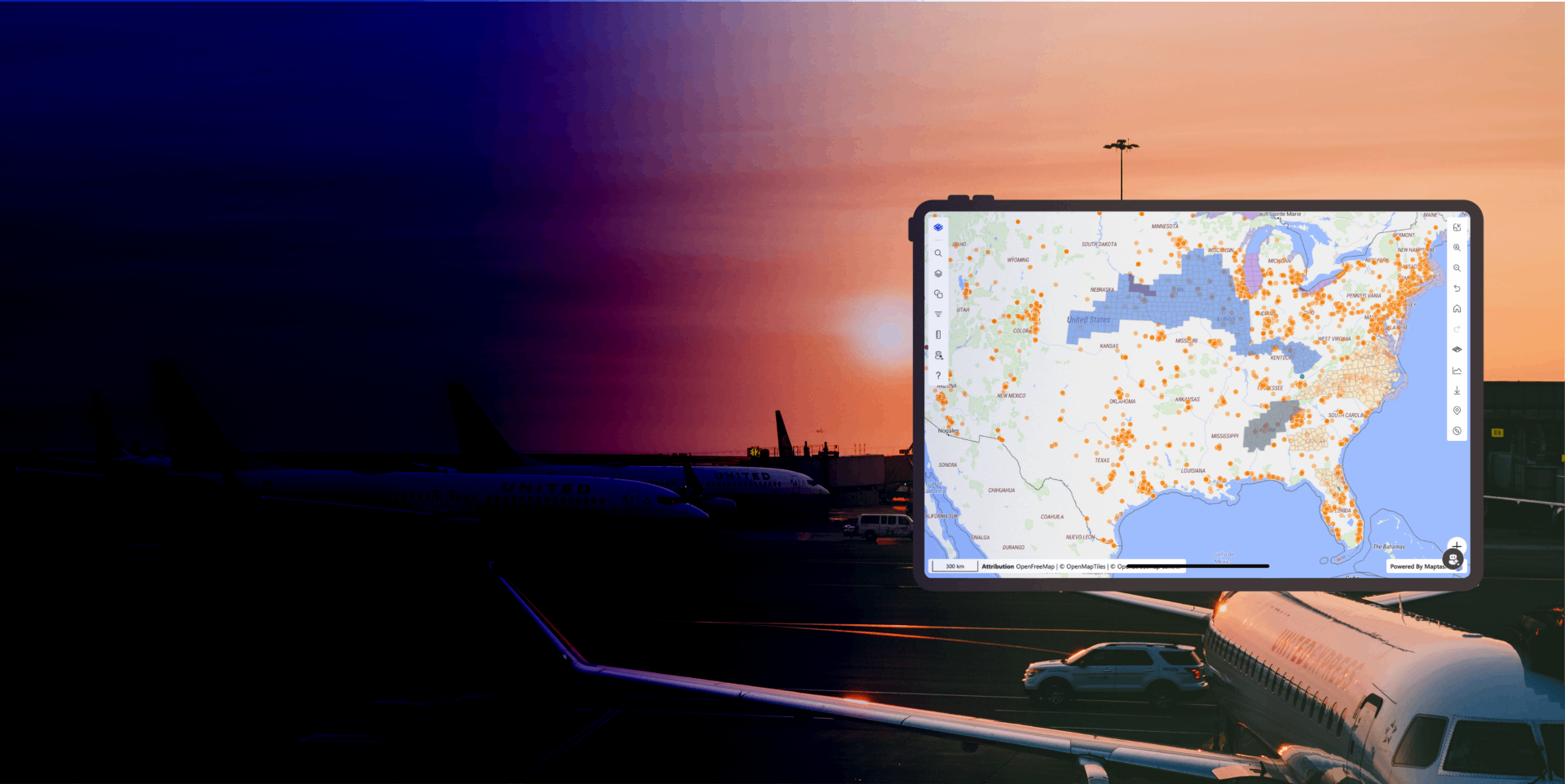
Layer Styling Support
Define exactly how your data looks, when it appears, and who sees it—with rich, rule-driven styling that adapts to every layer, every context, and every record.
Layer Styling Support gives organisations complete control over how geospatial data is presented across Maptaskr Power Maps. Rather than applying a single flat style to an entire layer, administrators and power users can define multiple styles per layer—each targeting a specific visual representation, zoom level, or data condition.
Whether visualising terrain, clustering high-density datasets, extruding buildings in 3D, or surfacing drawn shapes from business records, every visual layer can be composed from a rich library of style types and configured with precision through the Config Manager.
Styles can be scoped to specific zoom ranges and filtered by the attributes on the layer features themselves. This means the same layer can apply different style outcomes based on feature-level conditions—showing summary clusters at a city scale, detailed symbols at street level, and record-linked shapes when needed.
By making layer styling expressive, conditional, and data-aware, Maptaskr enables organisations to build map experiences that communicate clearly, reduce visual noise, and surface the right information at exactly the right moment.
Control Exactly When Each Style is Visible with Zoom Ranges
Every style instance can be assigned a minimum and maximum zoom level, giving administrators precise control over which styles appear at which scale. A style set to a low zoom range will render when the user is viewing a wide geographic area, while a style scoped to a higher zoom range will only appear when the user has zoomed in to street or building level.
This allows a single layer to present information progressively—starting with simplified or aggregated representations at a high level and revealing finer detail as the user zooms in. For example, a dataset of service locations might display as clusters at country scale, transition to circle markers at city scale, and resolve into labelled symbols with full attribute detail at street level, all driven by zoom thresholds on separate style instances.
Zoom-based visibility ensures users are never overwhelmed with detail they can't act on, while still surfacing the full richness of the data when the context warrants it.
Manage Every Style Instance Through the Config Manager
All styles associated with a layer—regardless of type or complexity—are managed in a single, unified experience within the Config Manager. Administrators can add, edit, reorder, duplicate, and remove individual style instances without touching underlying data or configuration files.
Each style instance exposes the full set of relevant properties for its type, allowing precise control over colour, opacity, size, icon, extrusion height, and more. Changes made in the Config Manager are reflected immediately across every place that layer is rendered, ensuring visual consistency is maintained globally from a single point of control.
This centralised approach removes the risk of inconsistencies between environments or deployments and makes it straightforward to evolve a layer's visual design as business requirements change.
A Full Library of Style Types for Every Visual Need
Each layer can be assigned multiple styles, with each style independently configured using one of the supported style types: background for base canvas fills, circle for point data with radius-based rendering, fill for solid polygon interiors, fill-extrusion for 3D volumetric shapes, line for routes and linear boundaries, raster for imagery and tile overlays, symbol for icon and label-based point markers, shape for record-linked drawn geometries, and cluster for aggregating dense point datasets into grouped indicators.
By combining multiple style types on a single layer, administrators can build composite visual representations—for example, rendering a polygon layer with both a fill for the interior and a line for the border, or showing individual points as circles at mid zoom and transitioning to labelled symbols at street level. This eliminates the need to duplicate data sources and keeps configuration centralised against the layer definition.
Filter Style Visibility by Layer Attributes
Each style instance can include a filter expression that determines when it applies, based only on the attributes of the layer features themselves. This allows styles to be conditional—for example, only applying a red fill to polygons where a status attribute equals "Critical", or showing a specific symbol style only when a feature type equals "Priority Site".
Filters use the layer's own feature properties, enabling powerful data-driven visualisation without requiring separate layer definitions for each condition. Multiple style instances with complementary filters can be stacked on the same layer to create rich, rule-based renderers that automatically adapt as underlying data changes.
This capability transforms layers from static visual representations into dynamic, data-aware maps that communicate status, priority, and context at a glance.
Surface Record Shapes Wherever the Layer is Rendered
The shape style type bridges the gap between geospatial authoring and layer visualisation. When a layer is associated with records that contain drawn geometries—captured through Maptaskr's authoring tools—the shape style type instructs the layer to retrieve and render those geometries wherever the layer appears.
This means a shape drawn on an individual Dynamics 365 record is automatically surfaced on the map whenever that record's layer is loaded, without any additional configuration. Administrators can style these record shapes independently from other style types on the same layer—applying distinct fills, strokes, and labels to make them visually distinguishable from non-record geometry.
By connecting authored shapes to layer rendering through a dedicated style type, organisations can maintain a single source of truth for spatial data while ensuring it appears consistently and correctly in every map context—from model-driven forms to canvas apps and Power Pages.
-
One Layer, Many Styles
Compose rich visual representations by stacking multiple independent style types—fill, line, symbol, cluster, shape, and more—on a single layer.
-
Conditional, Data-Driven Rendering
Filter styles by layer feature attributes, so the right visual treatment is applied automatically based on what the data says.
-
Zoom-Aware, Record-Connected Visualisation
Control exactly when each style appears with min/max zoom thresholds, and surface drawn record geometries anywhere a layer is rendered using the shape style type.

Want to see how Layer Styling Support can bring precision, clarity, and data-driven intelligence to your map experiences?