
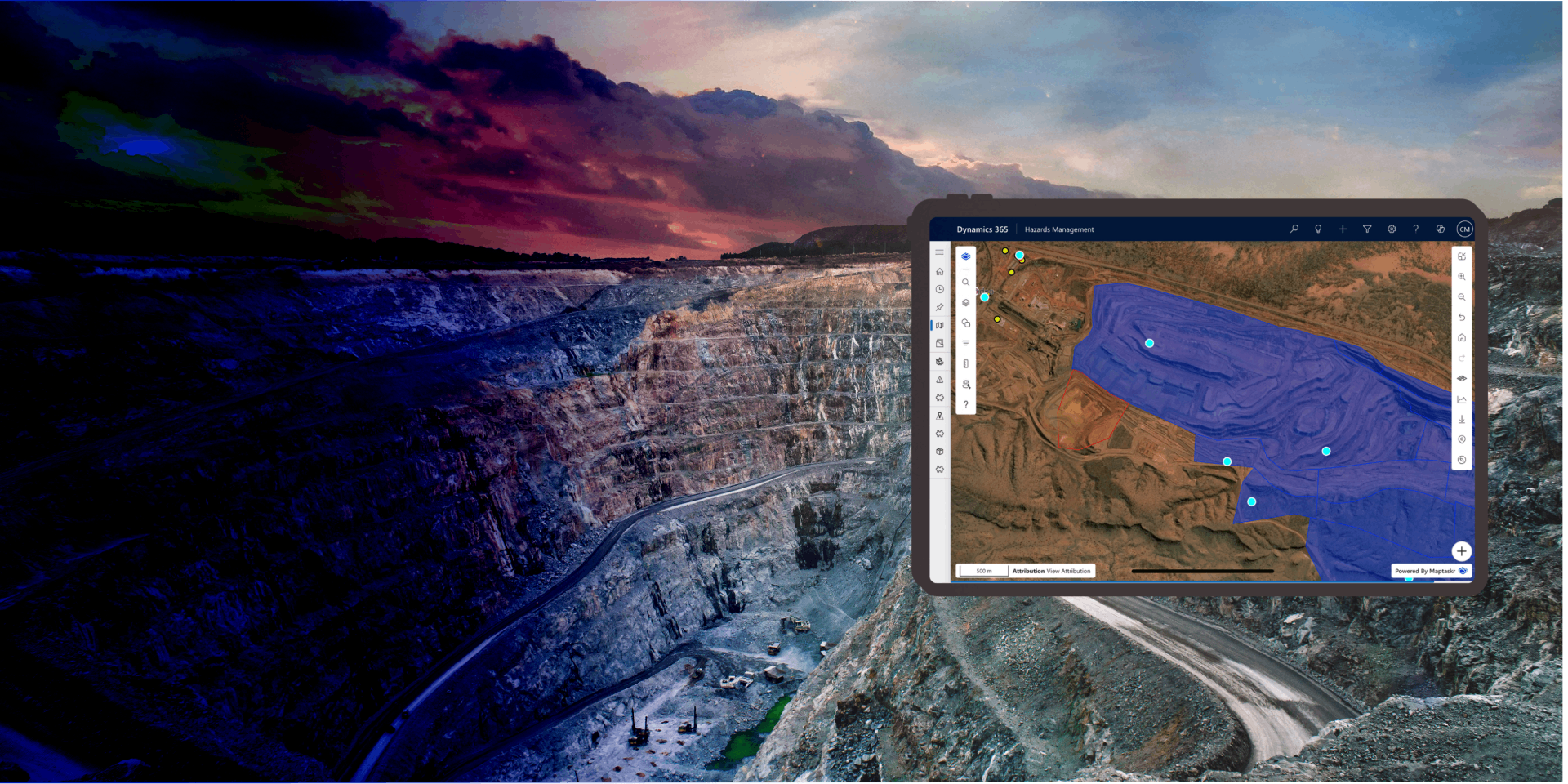
Geospatial Authoring
Capture, create and curate location data for your business records -
Providing users with a powerful mapping canvas.
Geospatial Authoring brings the power of professional GIS tools into the everyday business applications your teams already use. Instead of relying on separate mapping software or specialist skills, users can draw, import, style, and refine geographic shapes directly within Dynamics 365, Power Apps, and Power Pages - saving them straight against the records that matter.
Whether capturing a service area, marking an inspection boundary, recording a delivery zone, or importing complex geometries from existing GIS systems, Maptaskr Power Maps makes it intuitive to author location data as part of a normal business process.
By embedding authoring capabilities directly into Model-Driven forms, Canvas Apps, and Power Pages, organisations can eliminate the gap between field data and business systems. Shapes are stored natively in Dataverse, ready to be used in workflows, reporting, automation, and downstream map experiences.
This capability empowers both technical and non-technical users to enrich their data with spatial context - creating a single source of truth that aligns geography with business operations.
A Complete Drawing Toolkit, Right on the Record
Users can sketch geometry directly on a map and save it straight onto a Dataverse record - no external GIS tools required. A full set of drawing tools is available, including points and plots for single locations, lines for routes and linear assets, polygons for boundaries and zones, circles for radius-based areas, extents (rectangles) for bounding boxes, and text labels for on-map annotation.
Each shape is stored against the record and immediately available for reporting, automation, and visualisation. By embedding professional drawing tools directly into the form, spatial data is captured accurately at the point of need and stays connected to the business context it belongs to.
Refine and Adjust with Precision
Authoring isn't just about creation - Maptaskr provides a complete editing experience so shapes can be adjusted as the business changes. Users can move, scale, and rotate existing geometry, fine-tune polygons and lines at the vertex level, or enter exact latitude/longitude values through the coordinate panel.
Per-shape attributes can be captured alongside the geometry, and administrators can control which tools are available for each predefined shape type - for example, restricting users to attribute-only edits on a master boundary, or allowing full edit rights on customer-specific zones.
Style Every Shape to Match Your Business
Every shape can be styled to communicate meaning at a glance. Users and administrators can control fill colour and opacity, stroke colour, width, and type (solid, dashed, dotted), point and waypoint colours for distinct symbology, and text colour, font size, and shadow for clear, readable on-map labels.
Default shape styles can be configured centrally in the profile to ensure consistency across the organisation, while individual users can adjust styling on a per-shape basis where allowed. This makes it easy to use colour and style to differentiate shape types, statuses, or ownership without writing custom code.
Import Existing Files or Reuse Existing Features
Users don't have to start from scratch. Geometry can be uploaded from the most common GIS file formats - including ArcGIS Shapefile, GeoJSON, KMZ, and KML- and saved directly against a record, making it easy to bring in data from existing GIS platforms, government datasets, surveying tools, or partner organisations without complex transformation steps.
Equally, when working with layers your organisation owns - such as territories, boundaries, or operational zones - users can copy geometry directly from a layer feature and apply it to a record. The shape can be saved as-is, or edited (moved, reshaped, restyled) before submission to refine it for the specific business context. This eliminates duplicate effort and keeps authoritative spatial datasets aligned with the records that reference them.
Author Anywhere - Anytime
Geospatial authoring is available across the full Power Platform, so users can capture and edit shapes wherever they work.
In Dynamics 365 and Model-Driven Apps, drawing tools embed directly into record forms.
In Canvas Apps, authoring controls can be configured to support tailored business processes.
In Power Pages, external users - such as customers, partners, or field contractors - can submit geometry as part of a public-facing form. A mobile-optimised drawing experience ensures the same capabilities are available to users in the field on tablets and phones.
-
A Complete Drawing Toolkit
Points, lines, polygons, circles, extents, and text - plus move, scale, rotate, and vertex-level editing - built right into your forms.
-
Bring Your Existing Data With You
Native support for Shapefile, GeoJSON, KMZ, and KML, plus the ability to copy and refine geometry from your existing map layers.
-
One Unified Authoring Experience
Draw, edit, and style shapes consistently across model-driven apps, canvas apps, Power Pages, and mobile.

Want to see how easy it is to capture, style, and manage spatial data directly against your business records?